



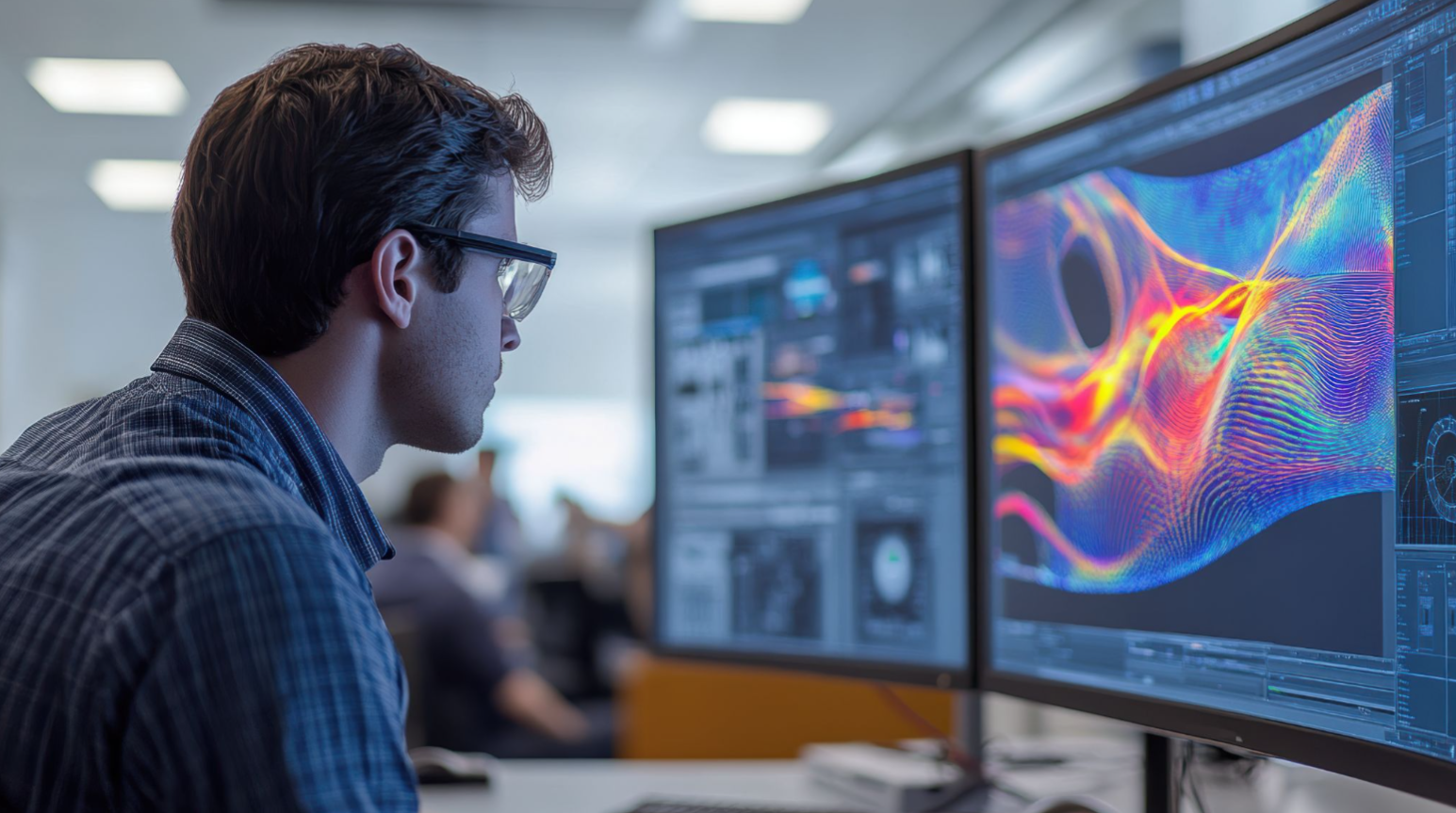

Aircraft manufacturers are shaving 3% off fuel costs. EV makers are extending battery range by optimizing thermal systems. Chip designers are preventing catastrophic overheating in next-gen processors.
None of this happens by accident. It's computational fluid dynamics at work.
CFD simulations now drive product development in aerospace, automotive, energy, and electronics. Yet many engineering teams still see CFD as intimidating: expensive infrastructure, long turnaround times, unclear workflows.
The truth? CFD is a process skill, not a PhD requirement. Understanding the geometry-to-validation workflow matters far more than memorizing partial differential equations.
What Is Computational Fluid Dynamics?
Computational Fluid Dynamics (CFD) uses numerical methods and computing power to predict how liquids and gases behave under specific conditions. At its foundation lie three physical laws: conservation of mass, momentum, and energy. These equations describe velocity fields, pressure gradients, and heat transfer across fluid systems.
The problem? Real-world industrial flows can't be solved analytically. Turbulent air over an aircraft wing involves millions of interacting variables. Manual calculation is impossible.
Computing transforms theory into practice. CFD discretizes continuous equations into numerical approximations that computers solve iteratively. More computing power enables finer resolution and higher accuracy.
Modern HPC clusters running CFD solvers can simulate flows with billions of computational cells, delivering insights wind tunnels alone could never provide.
What Are CFD Simulations?
When engineers "run CFD," they're executing computational models that predict fluid behavior in defined geometries under specified conditions. These simulations calculate velocity, pressure, temperature, and turbulence intensity at thousands or millions of spatial points.
Unlike physical testing, CFD lets you iterate virtually. Evaluating ten battery cooling strategies? Simulate all ten in parallel. Testing a wing at Mach 0.85? Run it overnight. CFD doesn't eliminate physical testing, but it cuts expensive prototype cycles by 60-70% according to aerospace industry benchmarks.
Think of it this way: building a wind tunnel model takes weeks and tens of thousands of dollars. Creating a digital twin, running CFD, and extracting pressure contours across the entire surface takes hours.
The simulation won't be perfect, but with proper validation, it's accurate enough to guide design decisions confidently.
How to Run a CFD Simulation: A Step-by-Step Process
Start with CAD Geometry
Import your design object into the CFD software, this could be an aircraft fuselage, pipe network, heat sink, vehicle body, or any component where fluid interaction matters. This geometry defines the physical boundaries where fluid will flow.
Key considerations:
- File format compatibility: Ensure your CAD file (STEP, IGES, Parasolid) imports cleanly
- Geometry orientation: Position your model correctly relative to flow direction
- Domain definition: Decide whether you're analyzing internal flow (inside pipes) or external flow (around objects)
- Scale verification: Confirm dimensional units match between CAD and CFD environments
Simplify the Model
Real CAD files contain bolts, fillets, tiny features, and manufacturing details that complicate meshing without improving flow accuracy. Simplification reduces computational cost while preserving aerodynamic or hydrodynamic fidelity.
Simplification strategies:
- Remove small features: Eliminate details smaller than expected flow structures (typically <1% of characteristic length)
- Defeaturing: Strip out threads, chamfers, and cosmetic details that don't affect flow
- Virtual wind tunnel creation: For external flows, build a surrounding domain (typically 5-10 body lengths around your object)
- Balance trade-offs: Maintain geometric features that generate vortices, separation zones, or significant pressure changes
Generate the Mesh
Divide your fluid domain into millions of discrete cells (tetrahedra, hexahedra, prisms, or polyhedra) where governing equations get solved point-by-point. Mesh quality directly controls both accuracy and computational cost.
Meshing best practices:
- Coarse vs. fine balance: Coarse meshes run fast but miss critical flow features; fine meshes capture detail but consume days of compute time
- Boundary layer resolution: Create thin prismatic layers near walls to capture viscous effects (y+ values matter for turbulence modeling)
- Adaptive meshing: Refine grids automatically where gradients are steep near walls, shock waves, recirculation zones, wakes while keeping coarse cells in uniform flow regions
- Mesh independence study: Run progressively finer meshes until results stop changing significantly
Define Boundary and Initial Conditions
Frame the mathematical problem by specifying what happens at domain boundaries and starting conditions. These constraints guide the solver toward physically realistic solutions.
Boundary conditions to define:
- Inlets: Specify velocity (50 m/s airflow), mass flow rate, or pressure
- Outlets: Set atmospheric pressure, zero-gradient conditions, or backflow prevention
- Walls: Define no-slip conditions, wall temperatures (400 K heat sink surface), roughness values
- Symmetry planes: Reduce computational domain when geometry allows
- Initial conditions: Provide starting guesses for velocity, pressure, and temperature fields to accelerate convergence
Execute the Solver
The CFD engine iteratively solves Navier-Stokes equations (plus energy, turbulence, species equations as needed), updating velocity, pressure, temperature, and other field variables across every mesh cell until the solution converges.
Solver execution details:
- Convergence criteria: Iterations continue until residuals (equation imbalances) fall below tolerance thresholds (typically 10⁻⁴ to 10⁻⁶)
- Time requirements: Simple laminar flows converge in minutes; turbulent reacting flows with heat transfer may require days
- Monitoring: Track residual plots, mass conservation, and force coefficients to ensure proper convergence
- Solver selection: Choose steady-state vs. transient, pressure-based vs. density-based, depending on flow regime (incompressible, compressible, multiphase)
Extract Insights Through Post-Processing
Transform raw numerical data into engineering insights through visualization and quantitative analysis. This stage answers the design questions that motivated your simulation.
Post-processing techniques:
- Contour plots: Visualize pressure distributions, temperature fields, velocity magnitudes across surfaces and planes
- Streamlines and pathlines: Trace particle trajectories to understand flow patterns, recirculation zones, and separation bubbles
- Vector plots: Display velocity direction and magnitude to identify vortex structures
- Quantitative extraction: Calculate drag coefficients, heat transfer rates, pressure drops, and mass flow rates
- Design question validation: Identify hot spots, confirm separation locations, verify drag targets, check mixing efficiency
Validate Against Reality
CFD doesn't automatically produce correct answers validation confirms your setup, mesh quality, and solver choices accurately represent real-world physics.
Validation approaches:
- Experimental comparison: Match simulation results against wind tunnel data, flow visualization, PIV measurements
- Analytical benchmarks: Verify against closed-form solutions (Poiseuille flow, Couette flow, shock relations)
- Code-to-code verification: Compare results with established CFD packages on identical test cases
- Grid convergence index: Quantify discretization error through systematic mesh refinement
- Physical sanity checks: Ensure mass conservation, energy balance, and reasonable field values
The CFD Workflow Loop:
Successful CFD practitioners master this iterative cycle:
Geometry → Simplify → Mesh → Set Conditions → Solve → Post-Process → Validate.
Each simulation teaches refinement strategies for the next, building expertise in balancing accuracy, computational cost, and engineering insight.
What Are The Types of CFD Simulations Used in Industry?
Different business problems demand different simulation approaches. Choose wrong, and you waste compute time or get misleading results.
Each requires different algorithms and modeling assumptions. Mismatching type to physics undermines every downstream decision.
Business Applications of CFD Simulations
CFD delivers measurable ROI by compressing design cycles, eliminating prototype waste, and unlocking performance competitors can't match.
Aerospace
Boeing reports CFD now handles over 70% of early-stage aerodynamic analysis. Wing optimization through simulation reduces fuel consumption by 2-5%, saving operators millions annually. High-fidelity aerospace simulations have become non-negotiable for competitive aircraft design.
Automotive
Tesla credits CFD with achieving drag coefficients below 0.23 on production EVs. Battery thermal management simulations extend range by optimizing cooling strategies without physical prototypes. Cabin HVAC modeling cuts climate control energy draw.
Energy
GE uses CFD to model combustion dynamics in gas turbines. A 1% efficiency gain translates to millions in annual fuel savings across installed fleets. Blade cooling optimization through simulation-driven optimization reduces maintenance costs and extends turbine lifespans.
Electronics
NVIDIA's GPU designs depend on thermal CFD to prevent chip failures under maximum load. Data centers model airflow and hotspot formation, optimizing rack layouts to cut cooling infrastructure costs by 20-30%.
Biomedical:
Device makers simulate blood flow through stents and airflow in inhalers, reducing clinical trial risks and accelerating regulatory timelines. Pharmaceutical companies model drug dispersion in respiratory systems before manufacturing prototypes.
Environmental Engineering
Cities use CFD for pollutant dispersion modeling, urban airflow analysis, and tunnel ventilation design to meet air quality regulations and improve public safety.
What Are The Key Limitations of Classical CFD Simulations?
CFD solves hard problems, but it's not magic. Organizations must understand constraints to budget appropriately.
Infrastructure costs are real
- High-fidelity simulations consume massive HPC resources.
- A single large-eddy simulation (LES) of a full aircraft can burn thousands of CPU-hours, translating to significant cloud or cluster expenses.
Runtimes strain schedules
- Even modern solvers need days or weeks for complex transient turbulent cases.
- Engineers compromise by running lower-fidelity models to meet deadlines, accepting reduced accuracy for speed.
Turbulence modeling introduces uncertainty
- No turbulence model is perfect. RANS models run fast but approximate. LES delivers accuracy but costs 100x more.
- Every simulation carries modeling error that engineers must account for.
Mesh sensitivity multiplies effort
- Poor meshing yields wrong answers.
- Mesh-independent solutions require convergence studies: running identical cases with progressively finer grids until results stabilize. That triples or quadruples computational work.
Garbage in, garbage out applies ruthlessly
- Small errors in inlet velocity, wall temperature, or material properties propagate through solutions and invalidate conclusions.
- CFD accuracy depends entirely on input quality.
What Is The Role of Quantum Computing in CFD's Future?
Classical CFD solvers are hitting mathematical walls. As meshes grow into billions of cells and physics become multiscale, even supercomputers struggle with the sparse linear algebra at CFD's core:
solving massive Ax = b systems every iteration.
The bottleneck is fundamental: Matrix systems with millions or billions of rows scale poorly with classical iterative solvers. Direct solvers become prohibitively expensive.
Quantum computing offers a different path. Algorithms like
- Variational Quantum Linear Solver (VQLS)
- Harrow-Hassidim-Lloyd (HHL)
can theoretically solve certain linear systems exponentially faster. NASA, Airbus, and defense labs are actively exploring quantum-accelerated CFD workflows for hypersonic and next-generation aircraft.
What's production-ready today?
- Hybrid quantum-classical approaches.
- Quantum processors handle compute-intensive subtasks like linear solves and optimization.
- Classical systems manage meshing, post-processing, orchestration.
Organizations planning 5-10 year simulation roadmaps should track quantum developments closely. Early adopters may gain substantial competitive advantages as hardware matures.
Research into how quantum fluids explain turbulence in classical flows suggests quantum principles might fundamentally improve turbulence modeling accuracy beyond just computational speedup.
How BQP Supports CFD Simulations?

BQP is a hybrid quantum-classical platform designed to accelerate compute-heavy workflows like CFD. Rather than replacing existing tools, BQP integrates with your current HPC pipelines, layering quantum-inspired optimization where it delivers the greatest gains.
For CFD specifically, BQP's Quantum-Inspired Optimization (QIO) solvers accelerate iterative linear system solutions by up to 20x compared to classical methods.
Physics-Informed Neural Networks (PINNs) and Quantum-Assisted PINNs (QA-PINNs) enable faster convergence and improved accuracy in predictive tasks, letting teams explore design spaces without running full CFD solves for every configuration.
Engineering teams gain four key advantages:
- Faster computation: Cut simulation runtimes from days to hours for high-fidelity cases
- Better scalability: Handle larger meshes and complex physics without proportional cost increases
- Lower long-term spend: Optimize cloud/HPC budgets by offloading bottlenecks to quantum-accelerated solvers
- Future-proof infrastructure: Position for the quantum era without abandoning existing tools
Why Organizations Are Investing in CFD Today?
CFD simulations have become an essential infrastructure for competitive product development in industries where performance, efficiency, and safety are non-negotiable. Understanding the workflow from geometry preparation through solver execution to validation empowers organizations to adopt simulation strategically.
Computing continues evolving. The intersection of CFD, AI, HPC, and quantum will redefine what's engineerable. Companies investing in modern, scalable simulation infrastructure today will set tomorrow's industry benchmarks.
Frequently Asked Questions
What is a CFD simulation?
A CFD simulation is a virtual experiment that uses numerical methods to predict how fluids like air or liquid flow, transfer heat, and interact with surfaces inside a defined geometry and operating conditions.
How does a typical CFD workflow look end to end?
A standard CFD workflow includes importing CAD geometry, simplifying the model, generating a mesh, setting boundary and initial conditions, running the solver, post-processing results, and validating against experimental or analytical data.
How accurate are CFD simulations for engineering decisions?
Well‑set‑up CFD simulations that use high‑quality meshes, appropriate turbulence models, and validation data often achieve 5–10% deviation from physical tests, which is sufficient for most design and optimization decisions.
What are the main business benefits of CFD simulations?
CFD simulations reduce physical prototyping costs, shorten design cycles, reveal performance bottlenecks earlier, and allow teams to test more design variants without building multiple hardware prototypes.
Which industries benefit most from CFD simulations?
Industries such as aerospace, automotive, energy, electronics, biomedical, and environmental engineering rely heavily on CFD simulations for aerodynamics, thermal management, combustion efficiency, and safety-critical flows.
How can quantum-inspired platforms like BQP improve CFD performance?
Quantum-inspired platforms like BQP accelerate compute-intensive steps such as solving large linear systems, enabling faster runtimes, larger meshes, and more complex physics models without proportional increases in HPC cost.
.png)
.png)



.svg)
.svg)
.svg)
.svg)