




Local hardware can't keep up anymore. Aerospace structures demand multiphysics analysis across thousands of load cases. Automotive powertrains need thermal-fluid-structural coupling. Defense systems require mission-level digital twins spanning hardware, software, and operational environments. Workstations queue jobs for days. Shared HPC clusters run out of capacity during peak cycles.
Cloud-native workflows are replacing desktop bottlenecks. Teams that once waited overnight for batch results now run parallel design explorations in hours.
Engineers running CFD Simulations now collaborate on centralized datasets with real-time visibility instead of struggling with file versioning.Organizations that couldn't justify owning peak-capacity HPC now access elastic compute on demand.
The cloud-based simulation software market reached $5 billion in 2025 and projects 18% annual growth through 2033. Aerospace, automotive, industrial R&D, and manufacturing sectors increasingly rely on Aerospace Simulation Software to prioritize scalability and cost flexibility over fixed infrastructure.
This guide explains how cloud simulation works, where it delivers value, its limitations, and how teams combine compute power with intelligent layers like quantum optimization software to build future-ready engineering stacks.
Why Do Engineering Teams Move Simulations to the Cloud?
1. Model complexity exceeds local compute limits
Modern simulations multiphysics coupling, high-fidelity CFD, and system-level digital twins demand compute and memory far beyond what workstations can handle, creating bottlenecks and long queue times.
2. Parallel design exploration is essential
Engineering teams no longer run simulations sequentially. Cloud platforms enable thousands of design variants to run simultaneously, accelerating optimization, trade studies, and uncertainty analysis.
3. Elastic scalability improves performance and speed
Cloud infrastructure provisions compute on demand, allowing teams to scale from a few cores to thousands instantly reducing simulation turnaround from days to hours and speeding up product development cycles.
4. Distributed teams need centralized collaboration
With global engineering teams becoming the norm, cloud platforms provide shared environments with version control, real-time visibility, and secure access eliminating data silos and coordination issues.
5. Accessibility and automation streamline workflows
Browser-based access removes installation and hardware dependencies, while APIs and automation enable continuous simulation pipelines, parametric studies, and integration with CAD and optimization tools.
6. Cost flexibility replaces heavy infrastructure investment
Instead of investing in expensive, underutilized HPC clusters, teams use pay-as-you-go models aligning costs with actual usage while avoiding maintenance, upgrades, and IT overhead.
Cloud-Based Simulation Software Overviews
Best 5 Cloud Simulation Platforms Used by Engineers
1. BQP
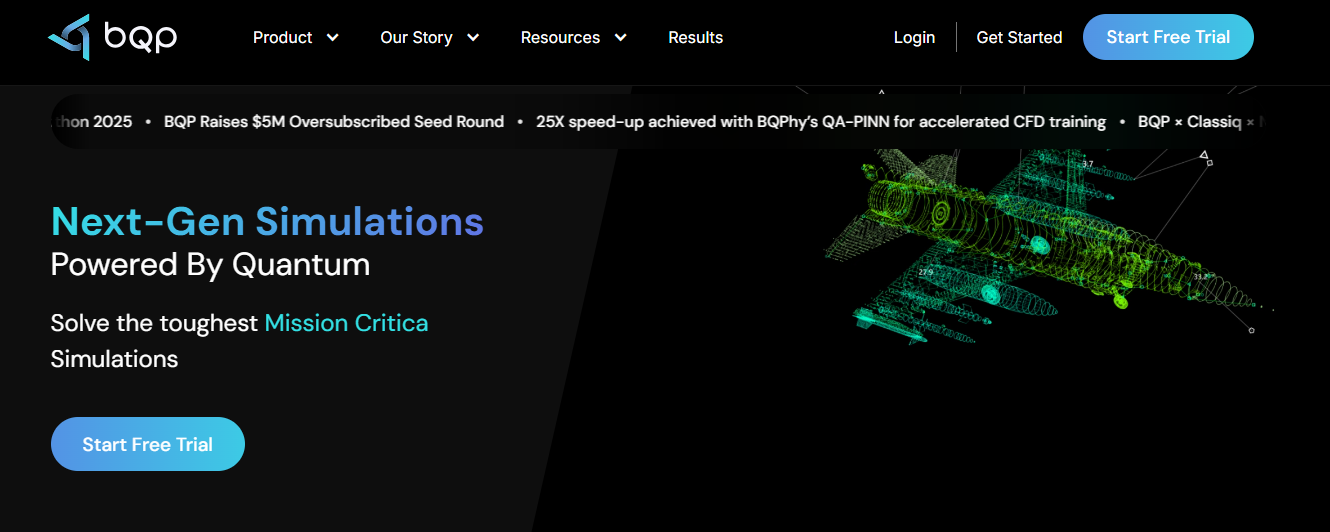
BQP is a next-generation cloud simulation and optimization platform built for engineering problems that exceed traditional solver limits. It focuses on reducing simulation dependency rather than scaling brute-force compute.
The platform combines physics-aware modeling with quantum-inspired algorithms to accelerate convergence in high-dimensional design spaces. It integrates seamlessly with existing cloud simulation workflows.
BQP is particularly valuable for system-level engineering, where multiple disciplines and constraints must be optimized simultaneously with fewer simulation runs.
Key Features
- Quantum-inspired optimization and hybrid solvers
- AI-assisted workflows with PINNs and QA-PINNs
- Integration with CFD, FEA, and system simulation tools
- Centralized collaboration, versioning, and audit logs
Pros
- Reduces simulation runs by up to 20×
- Handles complex, high-dimensional optimization problems
- Enhances ROI of existing cloud simulation tools
Cons
- Requires integration with existing simulation platforms
- May have a learning curve for new optimization workflows
- Not a standalone replacement for traditional solvers
2. SimScale
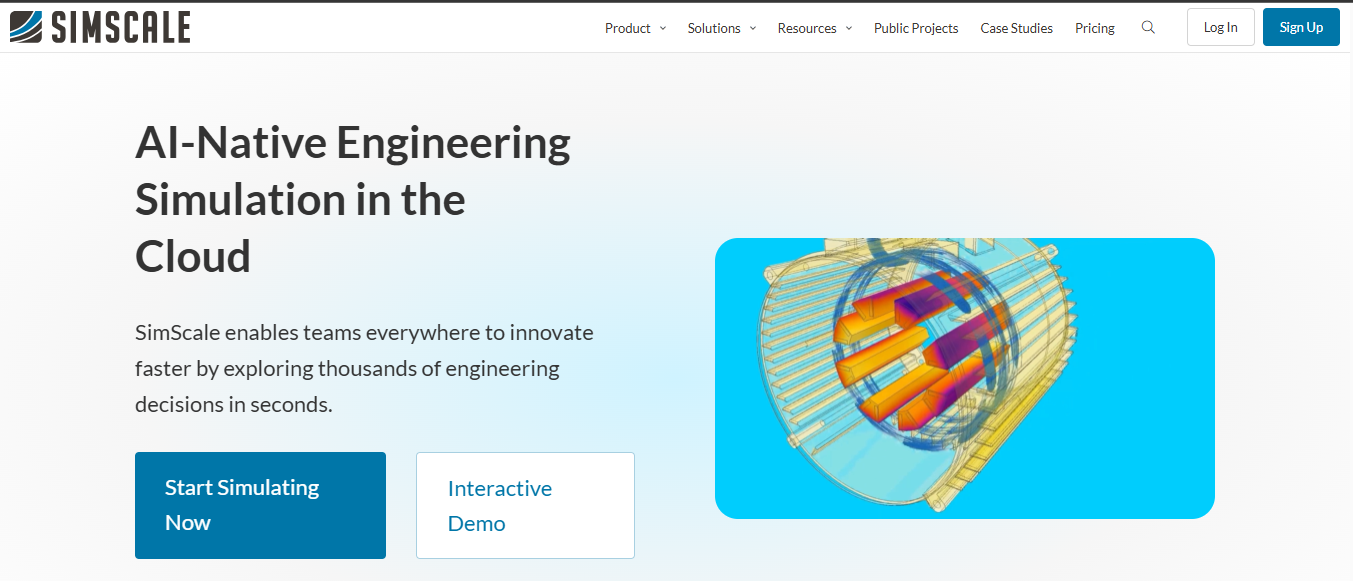
SimScale is a fully browser-based simulation platform supporting CFD, thermal, and structural analysis. It removes the need for local installation and enables instant access to simulation tools.
The platform is designed for accessibility, allowing teams to start simulations quickly without complex setup or infrastructure management.
It is widely used by startups and distributed teams transitioning from desktop-based simulation workflows.
Key Features
- Browser-based interface with no installation
- Elastic cloud compute scaling
- Integrated CAD import and meshing
- Real-time collaboration and AI-assisted setup
Pros
- Easy to use and quick onboarding
- No hardware or IT dependency
- Strong collaboration capabilities
Cons
- Limited customization compared to advanced tools
- May not support highly specialized simulations
- Performance depends on internet connectivity
3. Ansys Cloud
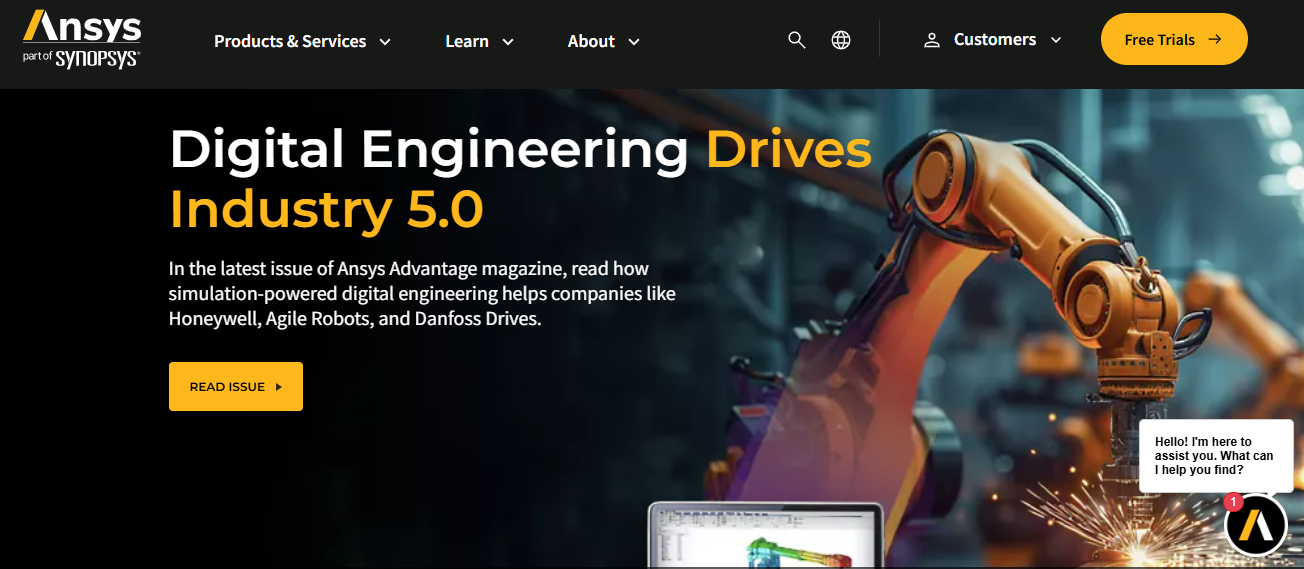
Ansys Cloud extends traditional Ansys simulation tools into the cloud, enabling engineers to run high-fidelity simulations using on-demand HPC resources.
It provides both managed and self-service options, allowing users to scale workloads without investing in physical infrastructure.
The platform is best suited for organizations already using Ansys tools who need additional compute capacity during peak workloads.
Key Features
- Integration with Fluent, Mechanical, and HFSS
- On-demand HPC resources with pay-per-use pricing
- Solver-specific performance optimizations
- Scalable infrastructure for large simulations
Pros
- High accuracy and industry-proven solvers
- Seamless extension of existing workflows
- Ideal for burst compute needs
Cons
- Cost can increase with heavy usage
- Requires familiarity with Ansys ecosystem
- Less flexible outside Ansys toolchain
4. 3DEXPERIENCE Works Simulation

3DEXPERIENCE Works Simulation by Dassault Systèmes integrates cloud-based simulation with CAD and product lifecycle management tools.
It brings Abaqus-based multiphysics capabilities into a unified environment, enabling better alignment between design and simulation.
This platform is ideal for enterprises looking to maintain a continuous digital thread across product development.
Key Features
- Embedded FEA and multiphysics simulation
- Integration with SOLIDWORKS and CATIA
- Digital thread and PLM alignment
- Centralized data and collaboration management
Pros
- Strong integration with CAD and PLM tools
- Enables end-to-end product lifecycle workflows
- Centralized data management
Cons
- Best suited for Dassault ecosystem users
- Can be complex to implement
- Higher cost for full platform capabilities
5. Fusion 360 (Autodesk)
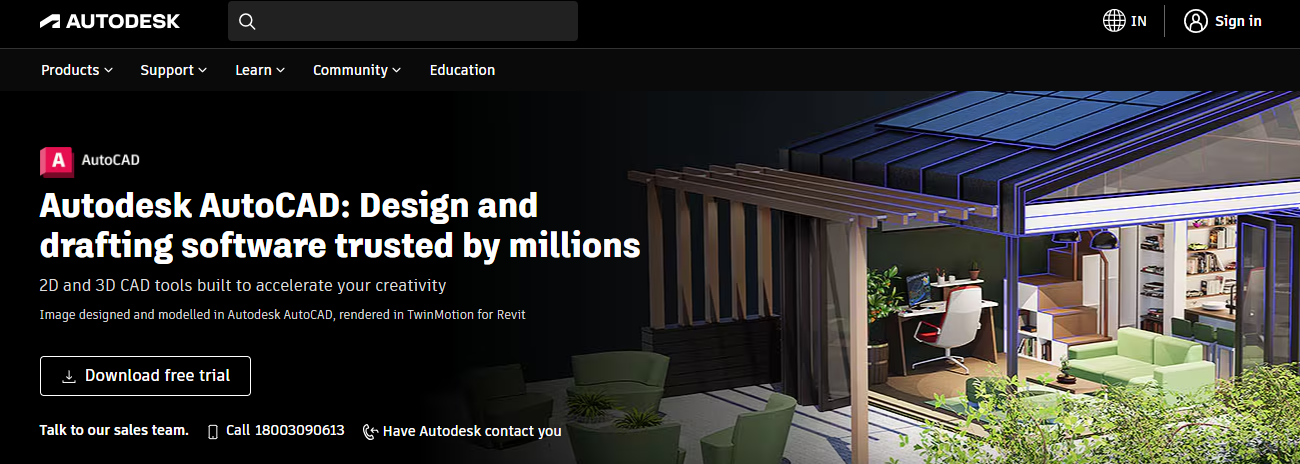
Fusion 360 is a cloud-native CAD platform with integrated simulation capabilities for product design and engineering workflows.
It combines modeling, simulation, and collaboration in a single environment, making it suitable for iterative and agile development processes.
The platform is widely used by small to mid-sized teams focused on speed, flexibility, and design integration.
Key Features
- Integrated generative design tools
- Structural and thermal FEA capabilities
- Parametric modeling and design workflows
- Real-time collaboration and version control
Pros
- All-in-one CAD and simulation platform
- Easy collaboration and version management
- Ideal for agile product development
Cons
- Limited for highly complex simulations
- Not suitable for large-scale HPC workloads
- Fewer advanced solver capabilities
How Does Cloud Simulation Software Work?
Cloud simulation software follows a structured, remote-first workflow that enables engineers to run complex analyses without local compute limitations.
Step 1: Upload or Connect Design Geometry
Engineers upload or link CAD models directly through a web browser. Platforms support common formats such as STEP, IGES, Parasolid, and native CAD files, with optional integration into PLM or PDM systems for version-controlled access.
Step 2: Define Physics and Simulation Parameters
Using browser-based interfaces, engineers configure the simulation by selecting physics models, materials, loads, boundary conditions, meshing strategies, and solver settings. Wizards, templates, and scripting tools simplify setup while maintaining full control over accuracy and convergence.
Step 3: Provision Compute Resources Automatically
The cloud platform elastically allocates CPU or GPU resources, memory, and storage based on the simulation’s size and complexity. Resource provisioning and scheduling occur automatically, removing the need for manual hardware planning.
Step 4: Execute Simulations in Parallel
Simulation jobs run across distributed cloud infrastructure. Parametric studies execute multiple variants simultaneously, while large models are decomposed across nodes. Real-time dashboards display solver progress, convergence behavior, and resource utilization.
Step 5: Visualize Results and Iterate
Results stream directly to browser-based post-processing tools. Engineers analyze contour plots, video animations, streamlines, and probe data interactively, adjust inputs, and relaunch simulations without downloading large result files.
Step 6: Store, Track, and Reuse Results
All models, results, and metadata are stored centrally. Versioning captures iteration history for reproducibility, while access controls ensure secure collaboration and compliance with engineering governance requirements.
What Are the Key Limitations of Cloud-Based Simulation Software?
1. Data security and compliance concerns:
- Uploading proprietary designs or mission parameters to third-party infrastructure raises IP protection risks
- Export control (ITAR/EAR) and regulatory compliance create barriers for aerospace and defense sectors
- Not all platforms meet stringent certifications (FedRAMP, IL4/IL5, ISO 27001)
- Data residency requirements may restrict usage to specific geographic regions
2. Cost unpredictability at scale:
- Cloud pricing rewards disciplined usage but penalizes inefficiency
- Teams running unnecessarily high-fidelity simulations or leaving resources idle face escalating bills
- Unlike fixed on-premise costs, cloud expenses fluctuate with usage, complicating budgeting
- Organizations without robust cost governance find cloud more expensive than owned infrastructure
3. Solver and customization constraints:
- Cloud platforms typically offer standard commercial solvers with pre-configured settings
- Engineers needing custom physics models or proprietary solvers face friction
- Deep integration with in-house tools may not be possible
- Legacy codes requiring specific compilers or libraries may not port cleanly to cloud environments
4. Latency and data transfer considerations:
- Uploading multi-gigabyte CAD assemblies or downloading terabytes of transient results takes time
- Interactive visualization suffers from network lag compared to local workstation responsiveness
- Pre-processing and post-processing requiring tight iteration loops may feel sluggish in browser-based environments
Cloud Simulation vs On-Prem HPC: A Quick Comparison
Many organizations adopt hybrid strategies: sensitive or steady-state workloads run on-premise for cost efficiency, while peak demand and exploratory studies happen in the cloud. This balances security, cost predictability, and scalability.
Where Advanced Optimization Platforms Fit with Cloud Simulation?
Cloud platforms excel at physics solving, but many challenges require smarter exploration, not just faster solvers.
1. Limits of brute-force cloud scaling:
- Running 10,000 CFD simulations in parallel is technically feasible but financially expensive
- High-dimensional design spaces with complex constraints exceed practical evaluation budgets
- Exhaustive enumeration wastes computation on low-value design regions
- Traditional cloud platforms provide horsepower but leave optimization logic to users
2. Optimization-heavy and system-level challenges demand intelligent algorithms:
- Balance exploration and exploitation in vast design spaces
- Incorporate physics constraints without exhaustive sampling
- Quantify uncertainty with limited simulation samples
- Integrate multi-fidelity models to reduce computational cost
3. Need for intelligent exploration beyond raw compute:
- Quantum-inspired solvers, gradient-free optimization, and surrogate modeling steer design exploration efficiently
- Modern quantum optimization algorithms and physics-informed AI reduce simulation calls while maximizing design insight.
- Advanced platforms orchestrate when and how to run expensive simulations, converging on optimal regions faster
These optimization layers complement cloud simulation by making compute investments smarter, not just bigger.
How BQP Supports Cloud Simulation for Scalable Engineering?
Cloud simulation platforms provide the compute power to run high-fidelity analyses, but scaling compute alone doesn’t solve the challenge of exploring complex design spaces efficiently. Engineering teams often end up running thousands of simulations without clear direction, increasing both cost and time-to-decision.
BQP addresses this gap by acting as an intelligent optimization layer on top of existing cloud simulation workflows. Instead of relying on brute-force approaches, it guides simulation efforts toward high-value design regions, helping teams achieve better outcomes with fewer runs.
Key Capabilities
- Quantum-inspired optimization to identify optimal design regions with up to 20× fewer simulation runs
- Works alongside existing tools by ingesting results from CFD, FEA, and system simulation platforms
- System-level optimization across aerodynamics, structures, propulsion, and controls
- Physics-Informed Neural Networks (PINNs) for surrogate modeling and rapid what-if analysis
- Efficient design space exploration without exhaustive sampling
- Hybrid quantum-classical approach compatible with HPC and GPU workflows
By combining cloud computing with intelligent optimization, BQP enables teams to move faster, reduce unnecessary simulations, and make more informed engineering decisions at scale.
Ready to go beyond brute-force simulation?
Explore how BQP can optimize your cloud simulation workflows or speak with an expert to see how it fits your engineering challenges.Book a Demo!
FAQs
1. What is cloud simulation software?
Cloud simulation software enables engineers to run computational analyses such as CFD, FEA, and multiphysics simulations on remote high-performance computing (HPC) infrastructure instead of local machines, accessed through web browsers or APIs. It removes the need for physical hardware by handling resource provisioning, job scheduling, and parallel execution, allowing teams to scale simulations on demand and collaborate efficiently.
2. Why do engineering teams use cloud simulation?
Engineering teams use cloud simulation to handle complex models, run parallel design explorations, and eliminate hardware limitations. It enables faster simulation turnaround, supports distributed collaboration, and provides cost flexibility through pay-as-you-go infrastructure without requiring large upfront HPC investments.
3. How does cloud simulation software work?
Cloud simulation follows a structured workflow where engineers upload CAD models, define physics and boundary conditions, and run simulations on automatically provisioned compute resources. Jobs execute in parallel across distributed infrastructure, with results visualized in-browser and stored centrally for collaboration, version control, and reuse.
4. Is cloud-based simulation secure for engineering data?
Security depends on platform certifications and governance practices. Leading providers offer encryption, role-based access, and compliance with standards like ISO 27001 and SOC 2, though industries such as aerospace and defense must also consider ITAR/EAR regulations and data residency requirements.
5. What are the limitations of cloud simulation?
Cloud simulation can introduce challenges such as cost unpredictability with inefficient usage, data transfer latency for large models, limited support for custom solvers, and potential compliance concerns when handling sensitive engineering data.
.png)
.png)


.svg)
.svg)
.svg)
.svg)