


For MATLAB Environment
BQPhy® Toolbox for MATLAB
BQPhy® Toolbox integrates BQPhy® QIO solver directly into your MATLAB workflows
Faster convergence, and scalable performance—with Quantum Inspired Optimization on MATLAB.
Access BQPhy® toolbox

Step 01
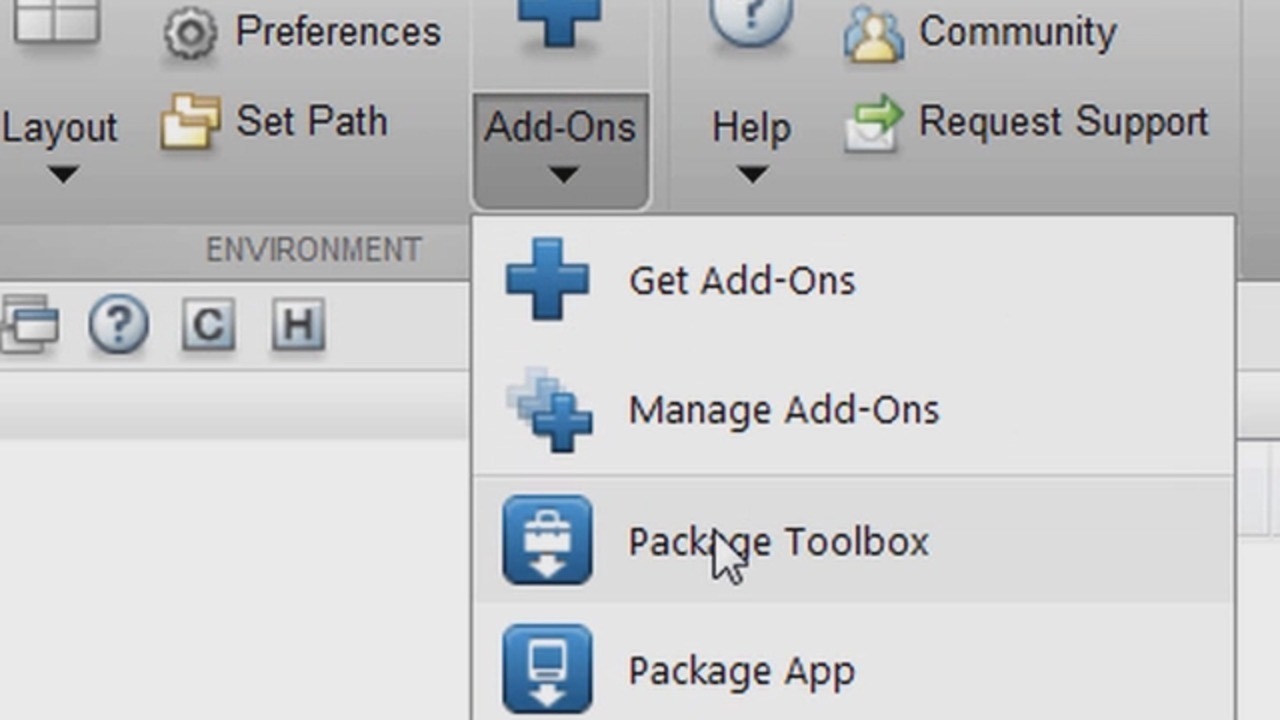
Download & Install
Add the BQPhy® Toolbox via MATLAB’s Add-On Manager.
Step 02
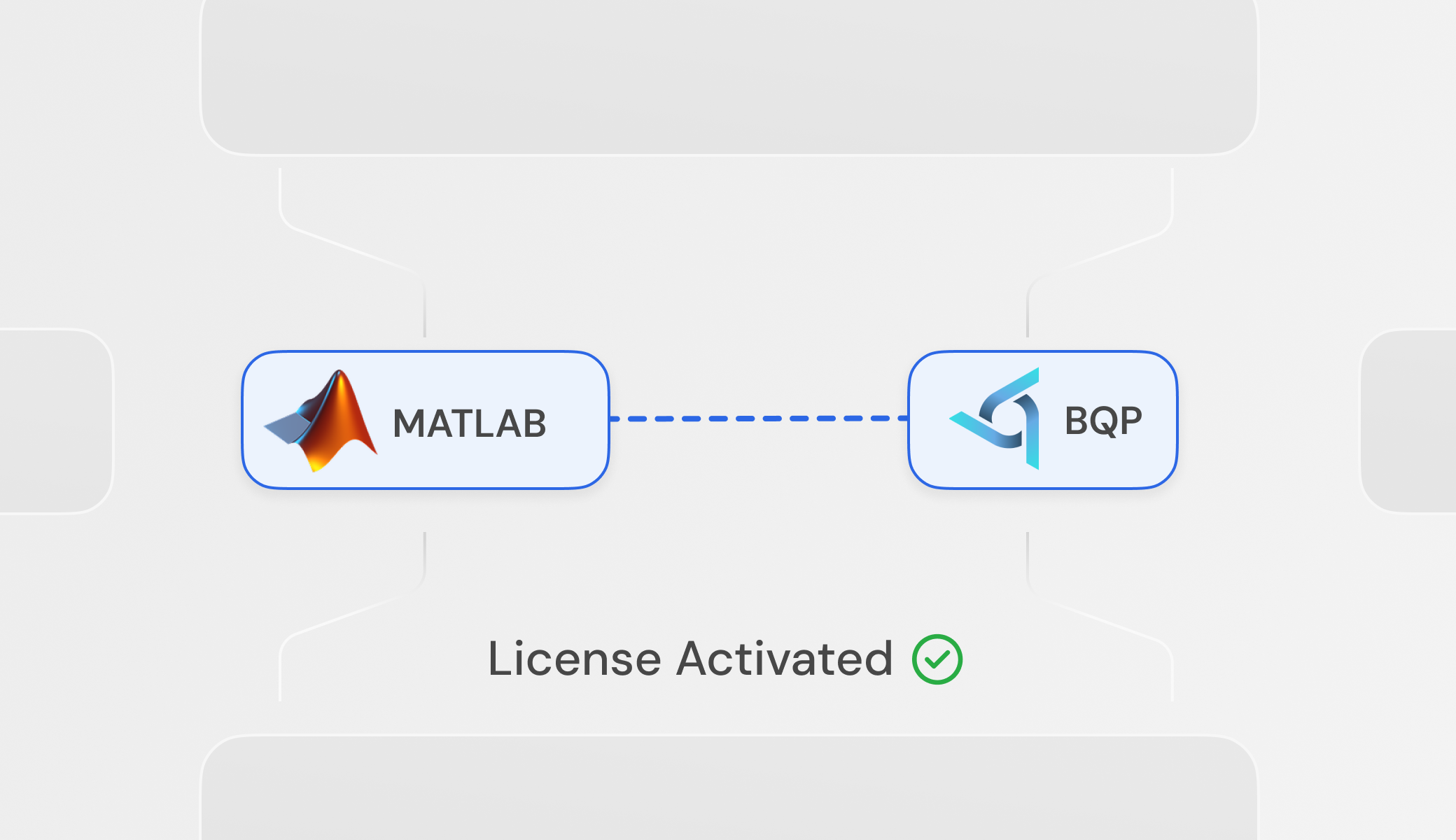
Activate License
Run bqphy_login to securely connect MATLAB to the BQP cloud engine.
Step 03
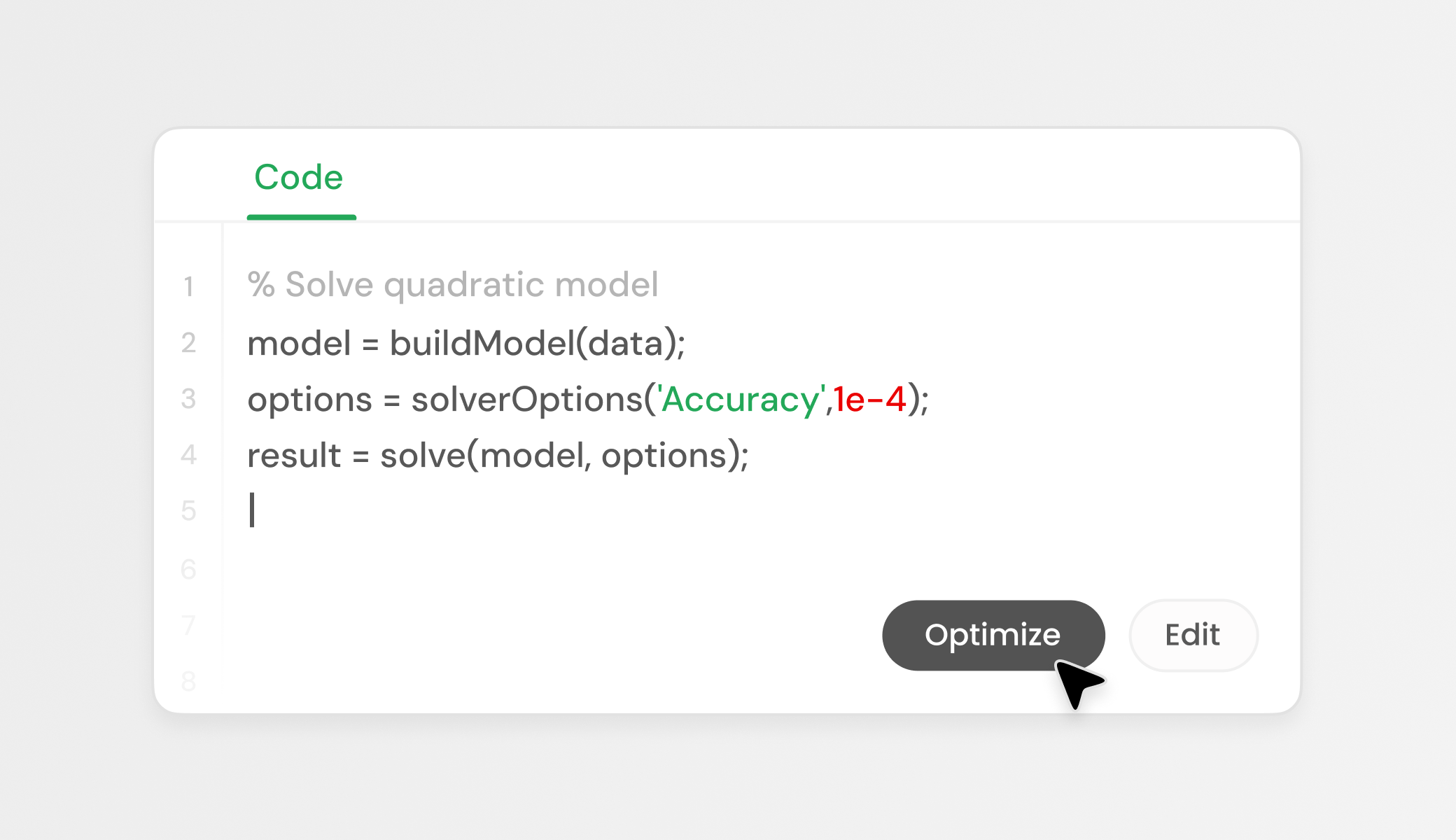
Optimize
Replace your legacy solver call with bqphy_solve.
Ready to Benchmark Your First Most Complex Model?


Register for BQPhy® MATLAB Tool Access
Built to Run on Your Existing MATLAB Stack
Integrate BQPhy® QIO Solver into MATLAB workflows seamlessly. If you can run MATLAB, you’re ready to run large-scale optimization using Quantum Inspired Algorithms that offer signficant speedup and accuracy.
Get Guide



.svg)
.svg)
.svg)
.svg)